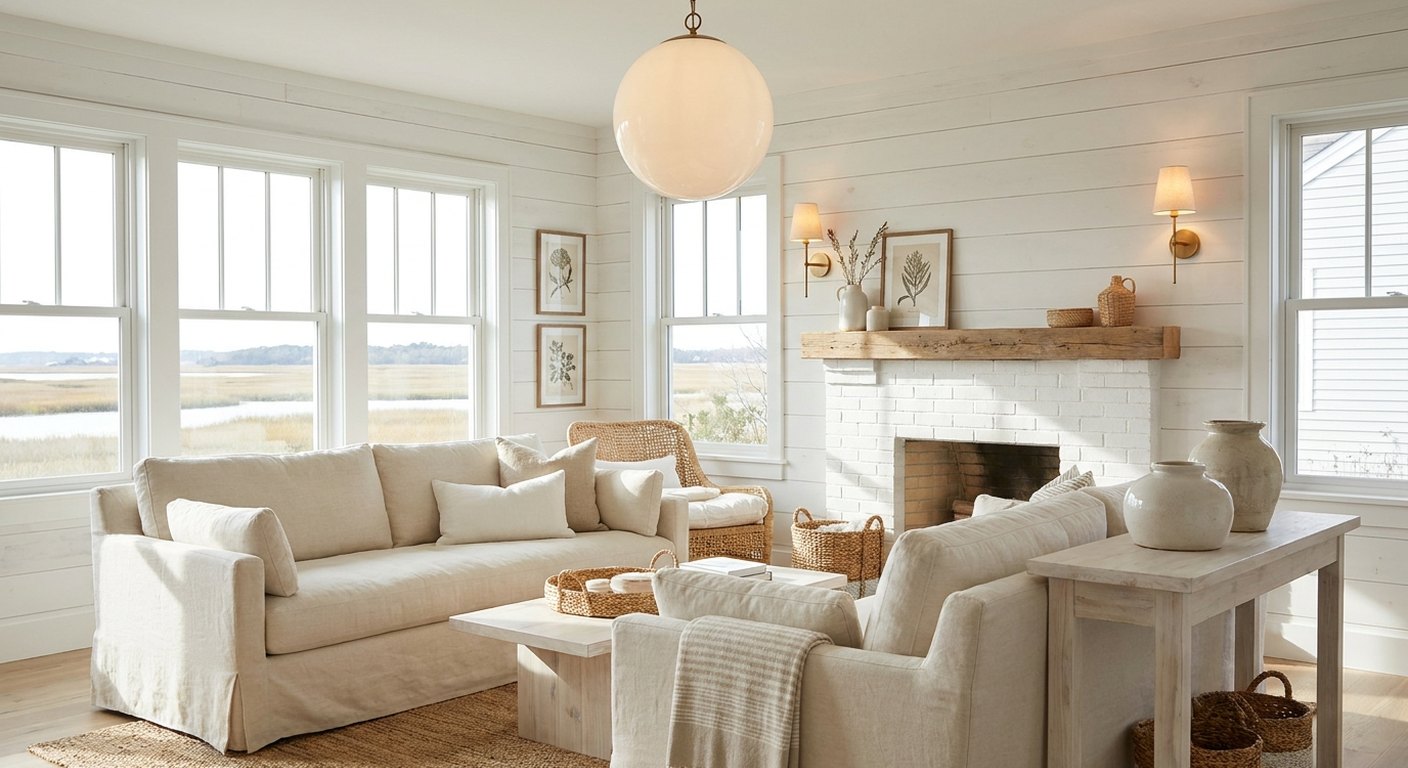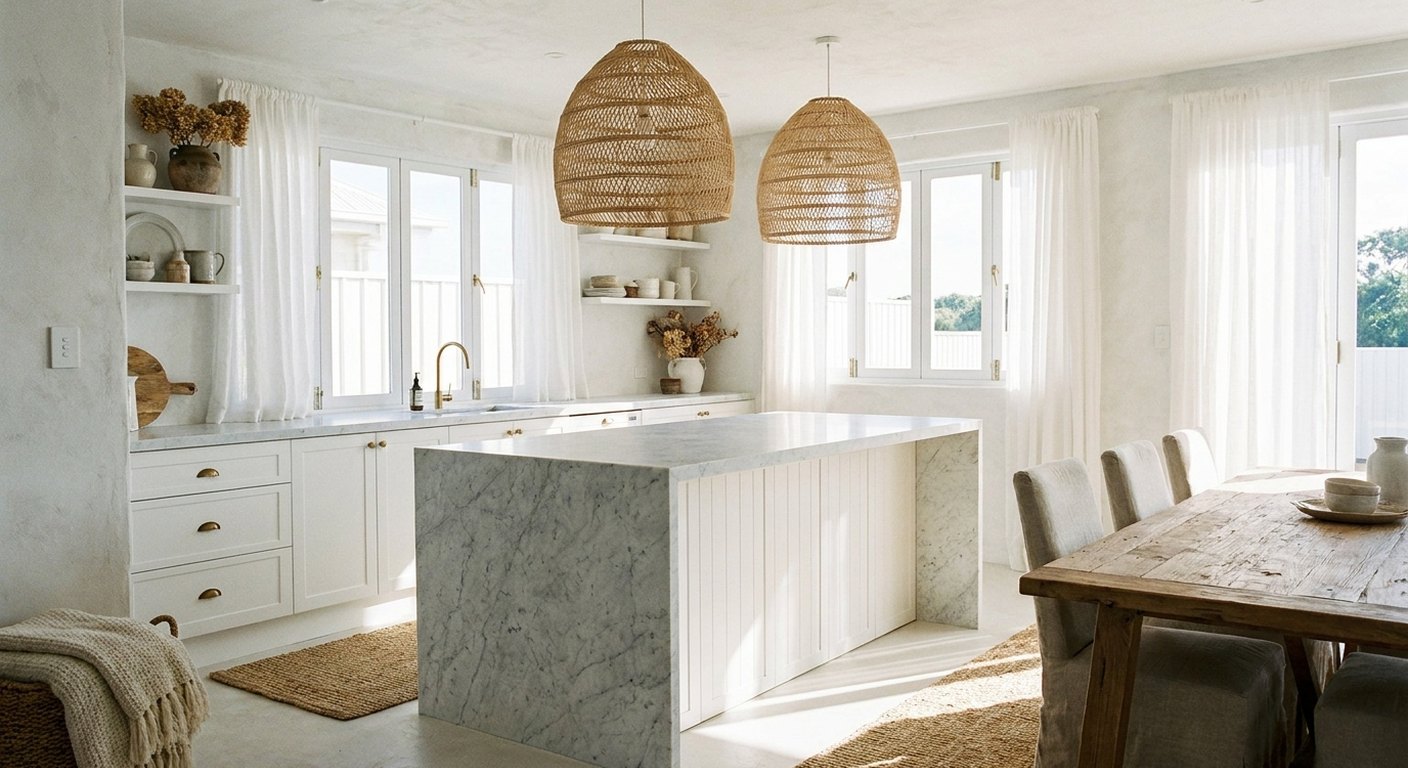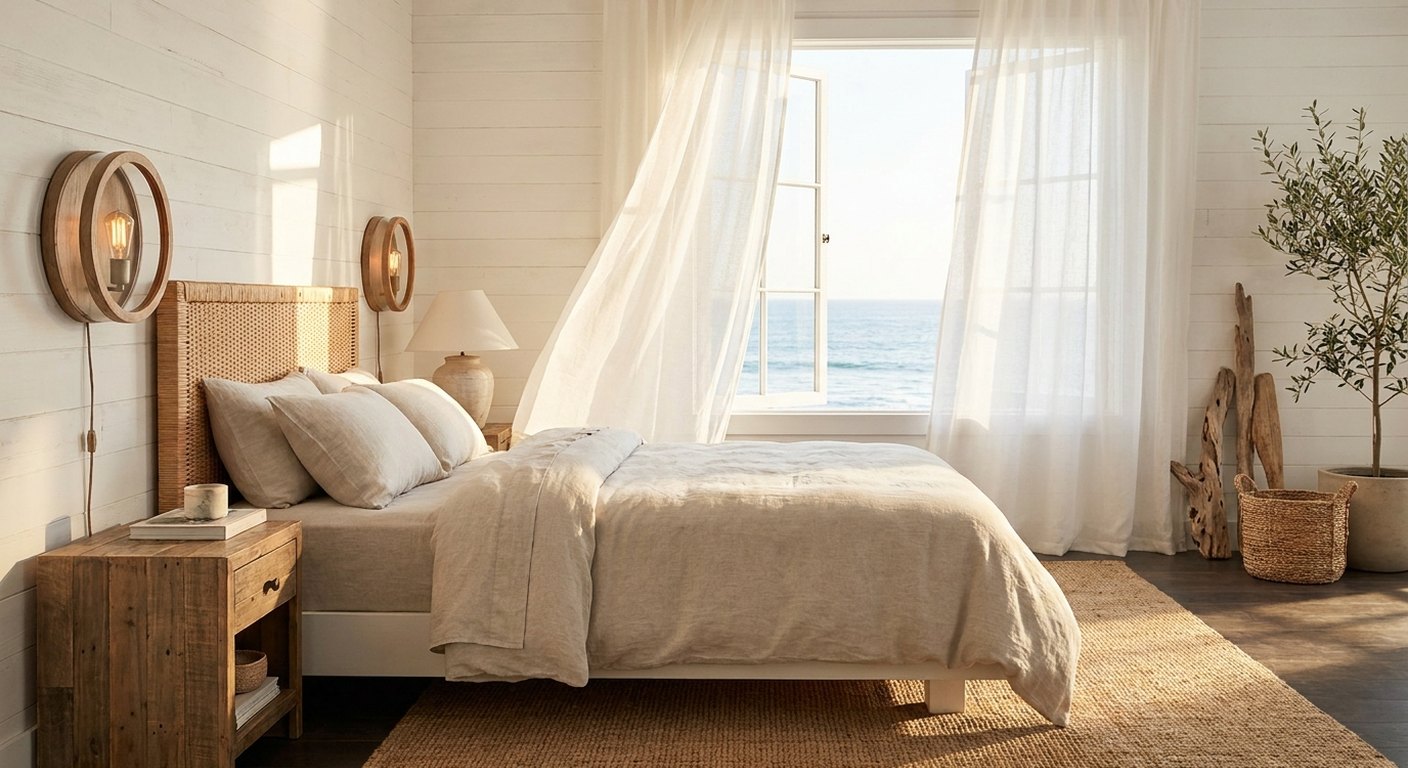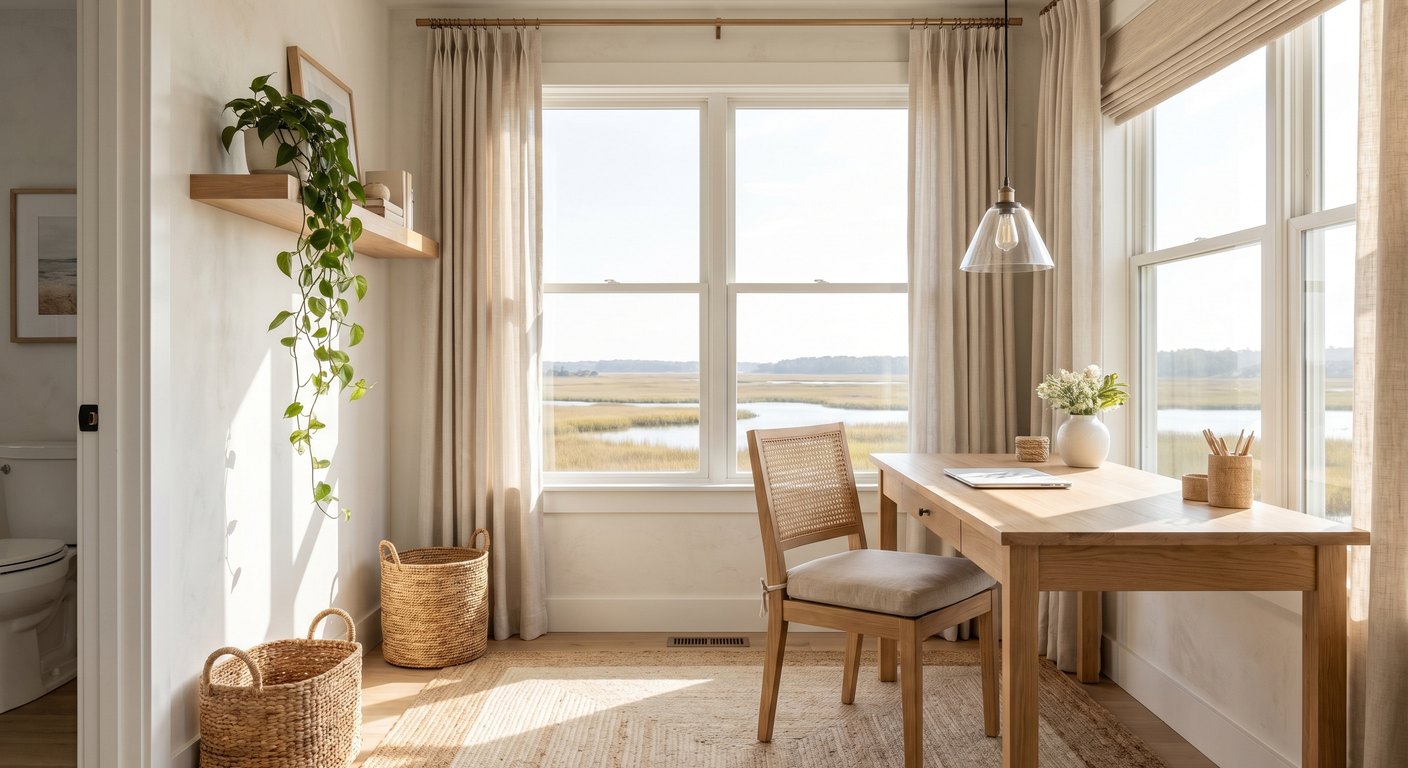
I work from home most days, and I refused to let the office be the one room in the house that felt joyless. It looks out over the marsh, and I built it to be as calm and light-filled as anywhere else, proof that a workspace can be coastal too.
The Desk and the View
The desk sits beside the window, not in front of it, so I get the marsh view and the daylight without the screen glare. A natural wood top and a cane-back chair keep the workspace from feeling corporate.
Ambient Plus Task
Overhead I hung a simple glass pendant for ambient light. But the real workhorse is an adjustable wall sconce beside the desk that throws focused light onto papers without bouncing off the screen. Ambient light for the room, task light for the work.
Natural Calm
A trailing plant on the shelf, a woven basket for files, a linen-covered board for notes. The same natural textures as the rest of the house, so stepping into work doesn't feel like stepping into a different, colder world.
Ambient Plus Task: The Two Layers an Office Needs
A home office that's lit by a single overhead fixture is a recipe for eye strain and an afternoon slump. The fix is two layers: a soft ambient source for the room and a focused task light for the work surface. Overhead I hung a simple glass pendant for the ambient fill, and beside the desk an adjustable wall sconce throws directional light onto papers without bouncing off the screen. The two together cover every task from reading a contract to a video call without a single harsh shadow.
Position the task light to the side of your writing hand so it doesn't cast a shadow across the page. And never directly behind the monitor, where it silhouettes the screen. The Illuminating Engineering Society's guidance on workspace lighting is a good rabbit hole if you want to optimize a desk properly.
Where to Put the Desk
The desk sits beside the window, not in front of it, a deliberate choice. A window directly behind the monitor backlights the screen and tires the eyes; a window directly behind you throws glare onto the screen. Side light gives you the marsh view and the daylight without fighting your monitor. If your only option is facing a window, a light-filtering shade tames the glare while keeping the view.
Warm or Cool? It Depends on the Hour
Offices are the one room where I'll bend the warm-light rule. A slightly cooler bulb, around 3500 to 4000K, can aid focus during the working day, while warm light keeps early mornings and evenings calm. My compromise: a neutral bulb in the task sconce for sharp daytime focus, and a warm pendant on a dimmer for the edges of the day. Tunable smart bulbs that shift temperature on a schedule are the elegant solution if you want one fixture to do both.
Keeping It Calm, Not Sterile
The fastest way to make a home office feel like a cubicle is to fill it with nothing but function. Natural materials soften it: a wood desk, a cane-back chair, a woven basket for files, a trailing plant on the shelf. Managing the cords and keeping the desk surface mostly clear does the rest. The same coastal calm as the rest of the house, so stepping into work doesn't feel like stepping into a colder world. A little nature and warm material is the difference between a room you tolerate and one you think well in.
What I'd Do Differently
I'd have invested in the adjustable task sconce first instead of relying on the pendant alone for the first month. The eye strain on gray afternoons was real until directional task light went in. I'd also add a tunable bulb to the pendant so I'm not swapping mental gears between a daytime and evening office; it's the one upgrade still on my list.
What the Office Cost
This was a low-cost room built around light and a view. A wood desk and a cane-back chair set the tone; a simple glass pendant and an adjustable task sconce did the lighting; a plant and a woven basket softened it. The real investment was placement, putting the desk beside the window rather than buying more, which cost nothing and matters more than any fixture.
Mistakes That Cause Eye Strain
Home offices strain eyes when there's one overhead source and no task light, when a window sits directly behind the monitor and backlights the screen, or when the only bulb is so cool the room feels clinical all day. Add a side-positioned task light, put the window to the side, and use a neutral daytime bulb with a warm evening option to keep long days comfortable.
Making a Workspace Feel Like Home
The line between office and cubicle is natural material and warm light. A wood surface, a woven chair or basket, a plant, managed cords, and a warm pendant for the edges of the day all soften the function. The same coastal calm as the rest of the house means stepping into work doesn't feel like stepping into a colder world, which, on a long day, helps.
Light for Long Days
On gray days I bring the task sconce up to keep focus sharp; in the soft evening light I drop everything low and warm to signal the workday is done. Controlling the light is how I keep an eight-hour day in one room from feeling heavy.
Shop this post: modern pendant lighting and wall sconces